

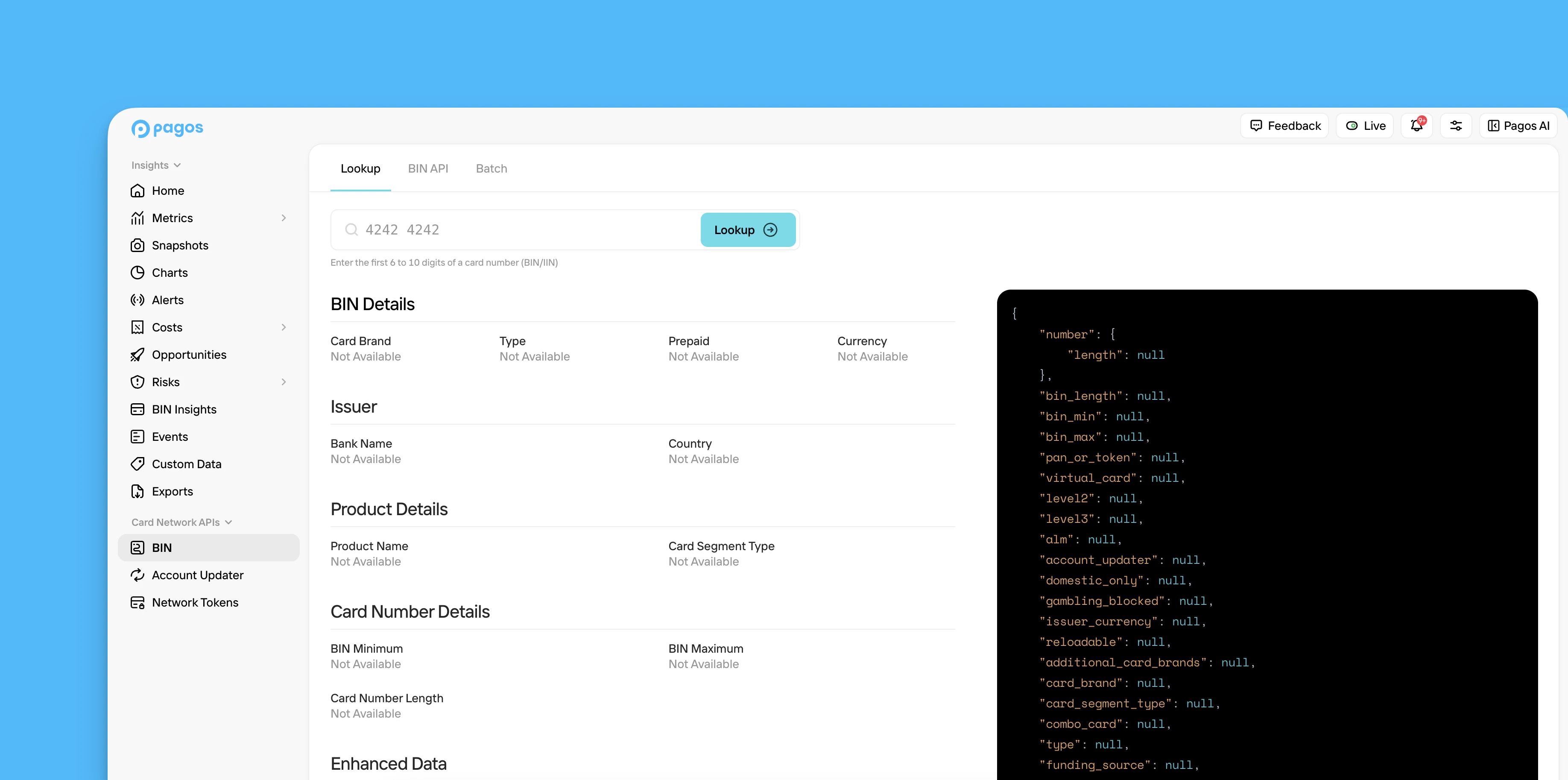
Lookup
Enter a 6-10 digit BIN, then click Lookup to query the BIN Data API directly from the Pagos Service Panel. The page will populate all available standard and enhanced data fields for that BIN in plain text. For a full list of the available data fields and their descriptions, see our BIN Data API Dictionary. Click a sample BIN to test out the lookup functionality quickly. If you have questions about the data returned for any given BIN, check out our BIN Data FAQ pages.Lookup with Benchmark
If your business opted in for data sharing with Pagos, you’ll have a second option available: Lookup with Benchmark. Click this button to perform a lookup that includes benchmark metrics for the given BIN, pulled from the billions of transaction data points we’ve ingested from our merchants. Use this data to see how your performance on a given BIN compares to that of the Pagos network. At this time, the available benchmark metrics include:- Approval rate for customer-initiated transactions (CITs)
- Approval rate for merchant-initiated transactions (MITs)
BIN API
From the BIN API tab, you can monitor and manage your usage of the BIN Data API. This tab contains the following visuals:- Requests - The number of API requests you’ve made for Standard vs. Enhanced BIN data over the selected date range
- Response Time - The response times for API requests made to for Standard vs. Enhanced BIN data over the selected date range
Batch
From the Batch tab, you can download batch files of the most up-to-date BIN data directly from the card networks:- Click Standard BIN Batch File to download a file of the standard BIN data fields.
- Click Enhanced BIN Batch File to download a file of the enhanced BIN data fields